Why Your AI Real Estate Photo Editor Must Do More Than Stage
You shoot a listing on an overcast afternoon. The photos come back gray, dim, and a little flat. Fixing that by hand can eat an evening, and buyers scroll past dull images in seconds.
Editing tools now handle the routine fixes in a click. They brighten rooms, clear clutter, and furnish empty spaces. They also tempt agents to go too far. This guide covers what an AI real estate photo editor does well, which edits stay honest, and how to disclose them. It also shows where a human retoucher still wins.
What Features Define the Best AI Real Estate Photo Editor?
A good editor corrects light, removes clutter, and furnishes empty rooms without changing what the property is. Restraint matters more than speed. Judge any tool by how natural its output looks at full size.
One-Click Exposure and Colour Balance
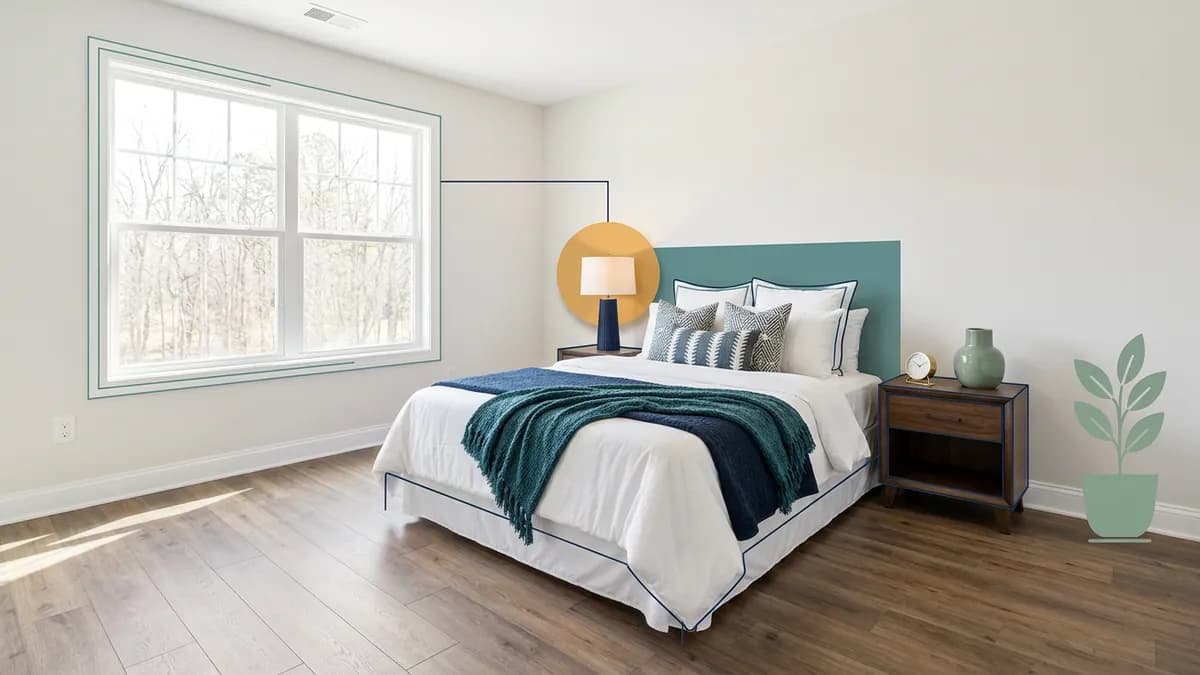
A one-click enhance step lifts exposure, balances colour, and rescues flat or dim light. Run it, then compare the result with the original. Small gains look best. If the walls turn a different shade than they are in person, dial it back. Most one-click enhancers, including ReelEstate's, work on a single frame and do not merge bracketed exposures.
Object Removal and Decluttering
Paint over a stray box, a parked car, or a crowded counter, and the eraser rebuilds the background behind it. It matches flooring, walls, and grass. Decluttering is its own step, and this guide to digitally decluttering before staging shows how to sequence it. Zoom in afterwards. Look for smeared patterns, doubled edges, and missing shadows.
Virtual Staging and Furniture Placement
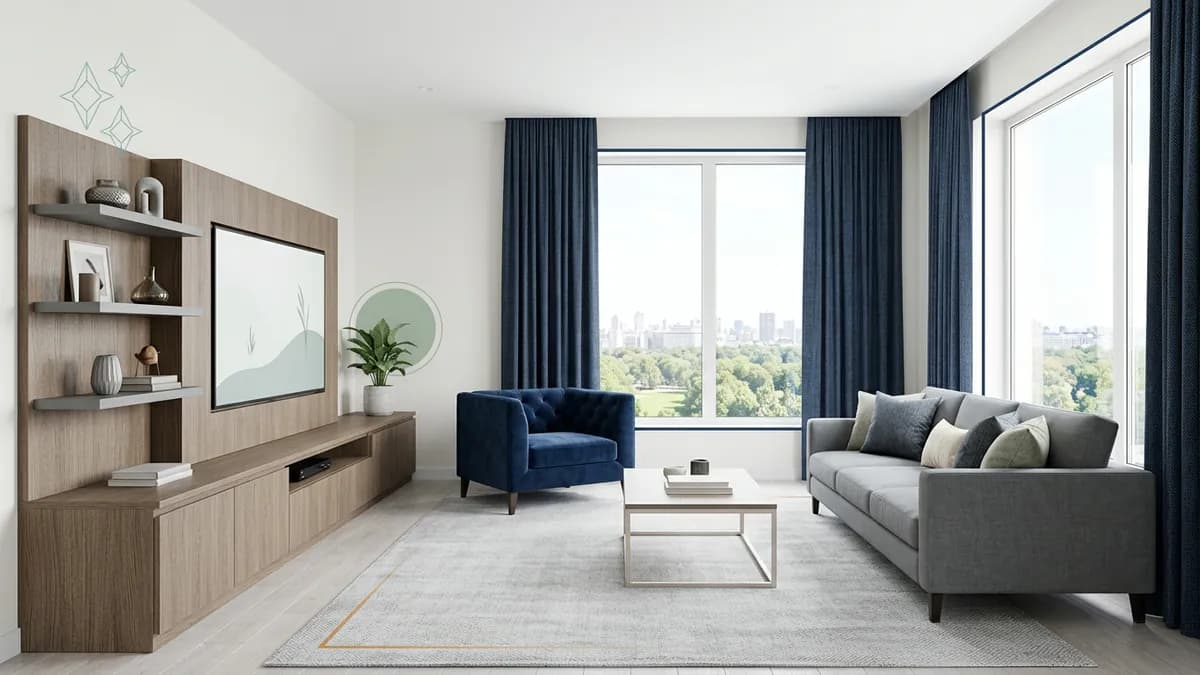
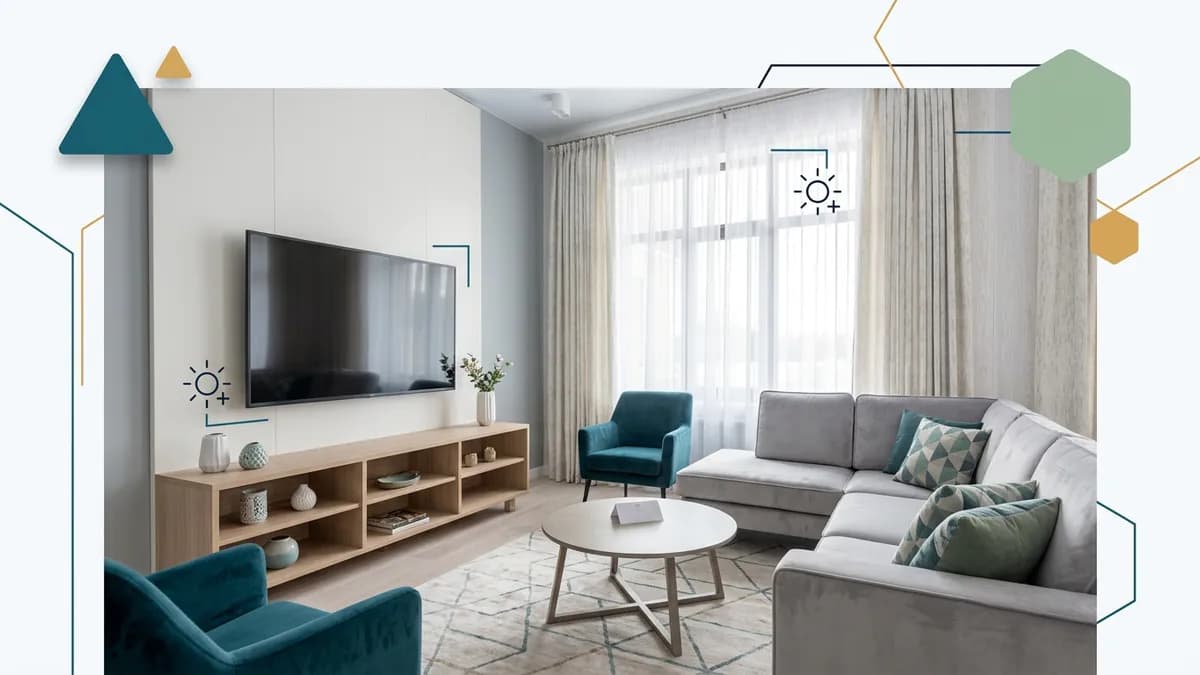
Virtual staging adds furniture to an empty room so buyers can judge scale. ReelEstate's Virtual Studio recognises the room type first, so a kitchen gets kitchen furniture. It offers 22 residential styles and saves up to 20 versions per photo, which makes it easy to compare directions. For the wider picture, read about virtual staging for real estate.
Twilight and Night-to-Day Conversion
One click turns a daytime exterior into a dusk shot with a warm sky and lit windows. A night-to-day conversion works in reverse. Twilight is the only sky change covered here. It lifts curb appeal on a gray day without touching the house itself.
Can AI Edit Real Estate Photos Without Looking Fake?
See it done with your own listing
Upload a few photos and let AI stage the room, cut the video, and voice it — start for $5, 500 studio credits, no subscription.
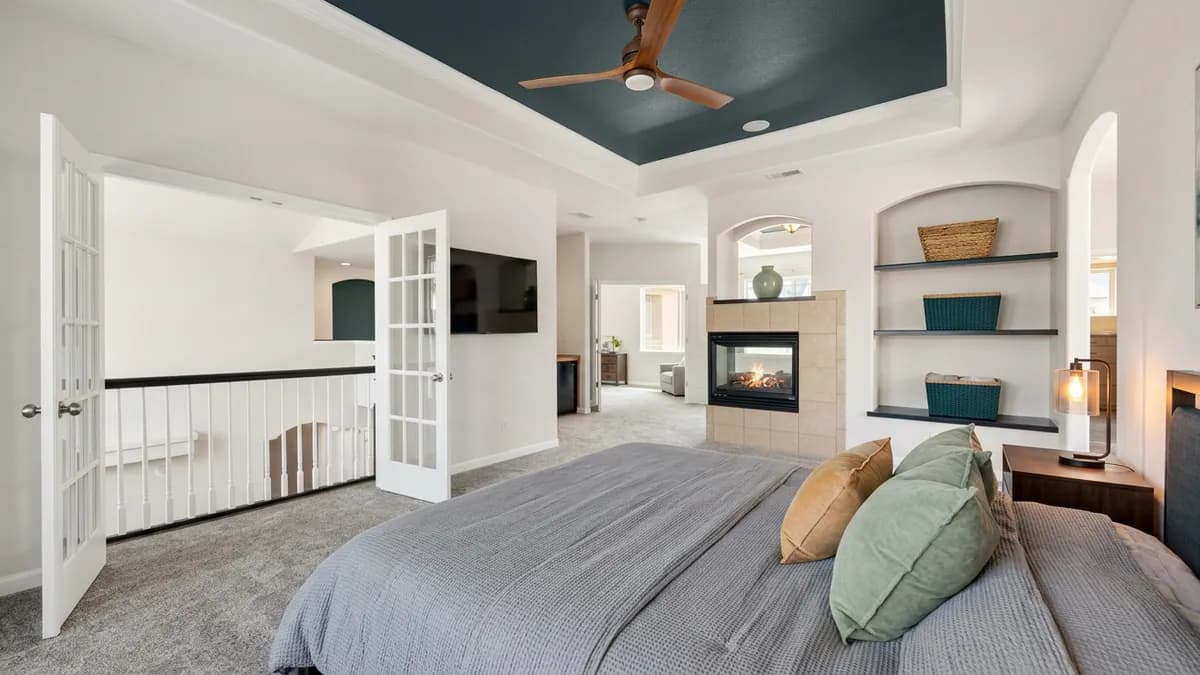
Yes, if the edit respects the room's real geometry and light. Fake looks come from small errors, not from the technology itself.
Preserving Textures and Shadows
Wood grain, plaster, and stone should survive an edit. Shadows must fall the way the room's light falls. Flat, glowing furniture is the classic giveaway of a weak staging job.
Spotting Artifacts Before Buyers Do
Zoom in on edges. Warped baseboards, floating legs, and repeated patterns signal a bad result. Reject it and regenerate. Because every result is saved and each brush stroke can be undone or redone, you can compare versions until one holds up.
Guardrails for Light and Clutter
Set one rule before you start. An edit may change presentation, never the property. Article 12 of the NAR Code of Ethics asks Realtors to present a true picture in their advertising and marketing. A photo that hides a defect fails that test, however natural it looks.
How Do Twilight and Exterior Enhancements Work?
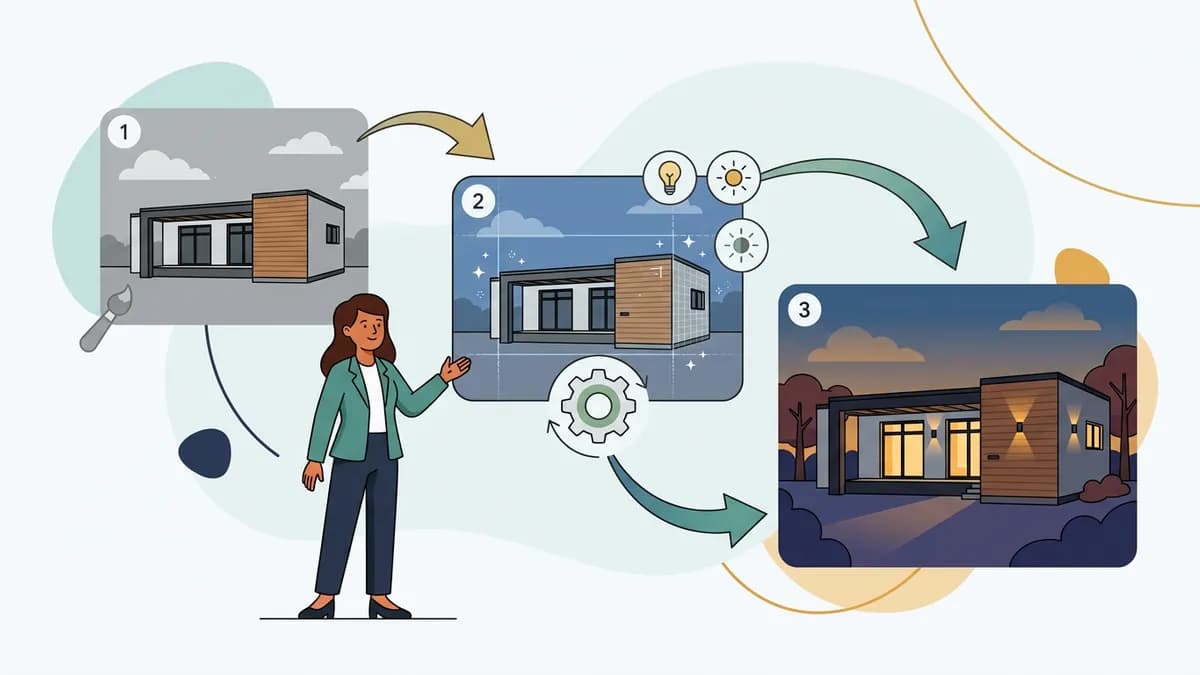
Exterior editing starts with the sky and the light on the facade. Twilight conversion changes the sky and switches on the windows while the house stays put. Whatever you change, check your MLS rules first.
Swapping Overcast for Virtual Twilight
Select the exterior shot and run the day-to-twilight conversion. The sky warms to a golden glow, and windows and exterior lights come on. Check the result at full size. Roof lines and trees must still match the original. If an edge looks cut out, regenerate or keep the daytime shot.
Cleaning the Yard Without Overpromising
Use the eraser for temporary mess such as hoses, bins, and parked cars. Think twice before repainting a brown lawn green. Buyers will see the real grass at the showing, and the gap feels like a bait and switch. Many agents leave seasonal grass alone.
Can You Virtually Stage and Furnish Empty Rooms with Automation?
Yes. A staging tool places furniture into a vacant photo and renders it with matching light. The result is a concept, not the actual room, so label it that way.
Recognizing Room Types Instantly
Room recognition runs when you upload a photo. It tells a bedroom from a kitchen, so the furniture suits the space. You do not have to pick the room type yourself.
Choosing a Style That Fits the Buyer
Pick from 22 residential styles, from Scandinavian to Modern Farmhouse. A separate set covers commercial spaces such as offices and cafes. Keep one style across the whole home so the listing feels coherent.
Checking Scale, Perspective, and Shadows
Furniture should sit on the floor with soft contact shadows and believable size. A sofa that blocks a doorway or hides a radiator misleads buyers about the layout. In a small room, stage lightly.
How Do You Fix Poor Lighting and Complex Exposures?
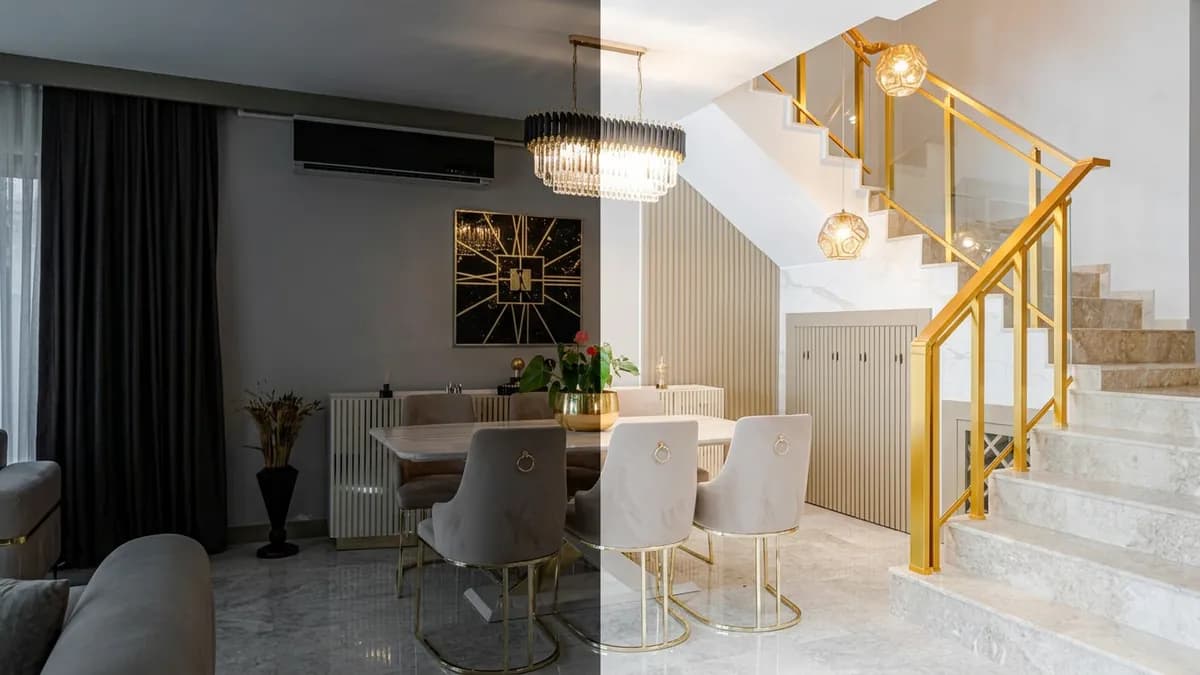
Start with the one-click enhance step. It lifts exposure and balances colour. For a bright window against a dark room, expect only partial help.
Balancing Interior Brightness with Window Views
A single enhanced frame can brighten a room. It cannot recover detail the camera never captured. Blown-out windows call for a bracketed shoot and an HDR blend in a desktop editor, or a human retoucher. That is one case where outsourcing is simply the better call. Keep the view honest and never swap what is outside.
Brightening Shadowed Corners
Lift dim corners gently. Heavy lifting adds noise and makes closets look bigger than they are. Aim for how the room looks to a visitor standing inside.
Neutralizing Colour Casts from Mixed Light
Yellow lamps and blue daylight turn white walls orange or blue. The colour balance step pulls them toward neutral. Compare against a known white surface, such as trim or a door.

How Do You Fix Crooked Perspective and Vertical Lines?
Prevention beats correction. Shoot from chest height, hold the camera level, and stand square to the wall. The one-click tools above do not correct lens distortion or perspective, so use a desktop editor for that job.
Wide-Angle Distortion
Wide lenses stretch corners and bow edges, especially in bathrooms and kitchens. A desktop editor's lens profiles and perspective tools fix this well. Straightening is generally seen as a fair correction. Stretching a room to look larger is not.
Leaning Verticals
Tilting the camera upward makes walls lean inward. Keep the camera level at capture. In post, rotate until door frames read vertical.
Consistency Across the Set
Use the same height, white balance, and crop for every room. Square-on shots also crop cleanly for vertical video for realtors, where framing is tight.
Are AI-Enhanced Listing Photos Allowed by MLS Rules and Regulations?
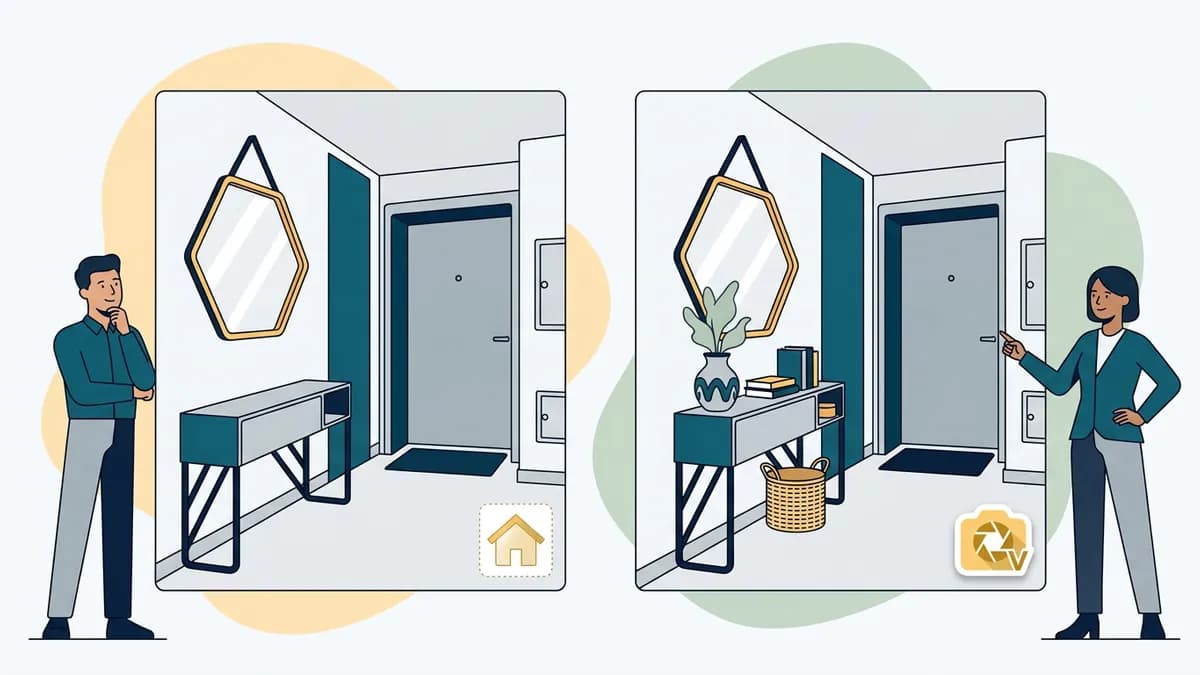
Usually yes, within limits. Rules vary by MLS, and some boards restrict edited images or require disclosure. Read your board's photo policy before you upload, and ask your broker if anything is unclear.
Truth-in-Advertising Standards
The Code of Ethics article above is one yardstick. The wider principle is older. The Federal Trade Commission says advertising must be truthful and not misleading. A photo that gives buyers a false impression fails both tests.
Acceptable Edits and Misleading Edits
Generally acceptable edits include:
- Exposure and white balance corrections
- Straightening crooked verticals
- Removing temporary items such as bins, cords, and clutter
- Virtual staging that is clearly labelled
Misleading edits include:
- Removing permanent features such as power lines, a nearby road, or a neighbouring building
- Hiding cracks, stains, or damage
- Altering the view or adding windows
- Showing renovations that do not exist
- Enlarging rooms
Ask one question. Would a buyer feel misled at the showing? If so, leave the edit out.
Disclosing Staged and AI-Edited Images
Label virtually staged and edited photos plainly, for example "Virtually staged." Put the note on the image or in the caption, and mention it in the listing remarks. Where you can, show the original photo alongside it. Some regions are also adding transparency rules for synthetic or manipulated images. Ask your broker or counsel what applies where you market.
Run a Showing-Day Match Test
The best thing a buyer can say about a listing photo is that the room looks even better in person. A quick test gets you there. Stand in the doorway and take an unedited phone shot of each room you edited. Put it beside the finished image. Door and window positions, ceiling height, and overall proportions should line up. Brightness should feel close too. Lifting a dim room is fine, but if the real room looks much darker than the photo, ease the enhancement back a notch.
For staged rooms, measure the wall where the bed or sofa goes and compare it with the furniture in the render. If a piece looks too big for the wall, choose a smaller one or stage the room more lightly. Saved versions make this easy to compare. Two minutes per room pays off at the first showing.
Write Down Your Editing Rules
A one-page standard lets a solo agent or a whole brokerage edit quickly and with confidence. Keep it short. Cover these points:
- Allowed and off-limits edits. Reuse the two lists above.
- Label wording. Pick one phrase, such as "Virtually staged," and one place to put it.
- Originals. Keep the unedited file for every edited photo, so you can show it on request.
- Final check. Review each image at full size before upload, ideally with a second pair of eyes.
- Client data. Upload property photos only. Keep client lists, contracts, and personal details out of any editing tool.
- Rules above yours. Your MLS photo policy and your broker's rules come first. Ask your broker or counsel where you are unsure.
Treat this as a starting checklist, not legal advice. A written standard also makes it easy to answer when a client asks how a photo was made.

How Fast and Cost-Effective Is an Automated Photo Editor?
Automated editing is usually quicker than outsourcing, because there is no hand-off or revision round. It is not always better. For complex composites or HDR blends, a human retoucher is the right call.
Comparing Turnaround
Outsourced editing adds a queue and feedback rounds. A built-in editor returns a result while you work, and you can regenerate or undo on the spot. Your own review time still counts.
Cost per Image for Busy Brokerages
Costs differ by tool and plan, so price your own monthly volume. An edit that needs three tries costs more than it looks. The virtual staging cost guide breaks down what to expect for staging.
Getting Listings Live Sooner
A faster edit means an earlier launch. Photos are only half the job, though. The listing video marketing guide shows how to turn them into a walkthrough, and the video editing guide covers the finish. After that, automated real estate marketing handles posting on schedule. ReelEstate keeps edited photos and the narrated video in one project. To try it, join the waitlist.
Frequently Asked Questions
Can virtual staging tools automatically furnish empty rooms in property photos?
Yes. A staging tool places furniture, rugs, and decor into a vacant photo and matches the room's light and perspective. ReelEstate's Virtual Studio first recognises the room type, then offers 22 residential styles and keeps up to 20 versions per photo. Label the result as virtually staged, because it shows a concept, not the room as it stands.
How do automated editors remove clutter and personal items from listing photos?
You paint over the item and the tool rebuilds the background behind it, matching floors, walls, or grass. Zoom to full size afterwards and look for smeared patterns or missing shadows. Remove only temporary things such as bins, cords, and personal photos. Never remove a permanent feature or a defect.
Do MLS guidelines allow the use of automated or digitally enhanced real estate photos?
Often yes, but rules vary by MLS, so read your board's photo policy before uploading. Light and colour corrections and clearly labelled virtual staging are the usual safe ground. Editing out power lines, cracks, water damage, or a neighbouring building misleads buyers and can breach the Realtor Code of Ethics. When in doubt, ask your broker.
Can an editor turn a gray daytime exterior into a twilight shot?
Yes. A day-to-twilight conversion warms the sky and lights the windows, and a night-to-day conversion works the other way. It changes the mood, not the house. Check the edges of the roof and trees at full size, check your MLS rules, and keep the original photo available for buyers who ask.
Can modern property editors handle HDR blending and exposure correction?
One-click enhancement can lift exposure, balance colour, and rescue flat or dim light in a single photo. It does not merge bracketed exposures. For a bright window against a dark room, a desktop editor or a human retoucher still gives the best HDR blend, so use one for those shots.