Beyond Templates: How Automated Real Estate Marketing Solves the Content Bottleneck
You just closed an open house, and your Sunday night is gone. Follow-up emails are waiting. Video clips need trimming. The design software is fighting you. Automated real estate marketing removes much of that grind by handling the repeatable work for you.
It will not replace your relationships. It gives you time back so you can spend it on calls and showings. This guide covers what to automate, what to keep personal, and how to tell whether it works.
What Is Automated Real Estate Marketing and How Does It Work?
Automated real estate marketing means using software to create, schedule, and send promotional content without doing each step by hand. Some tools handle messages to contacts. Others handle the content itself: photos, videos, and social posts. Most agents need both kinds.
The Core Pillars of Modern Real Estate Automation
Three pillars cover most setups: a contact database, automatic content creation, and scheduled publishing. Your CRM and email tool own the first. They store leads and send triggered messages.
A content tool owns the second and third. ReelEstate, for example, imports a listing URL, pulls the facts and photos, and builds a branded video with voiceover and captions. It also declutters and stages photos. Treat it as the content half of the job, and pair it with your own CRM rather than expecting it to replace one.
Moving From Manual Workflows to Dynamic Triggers
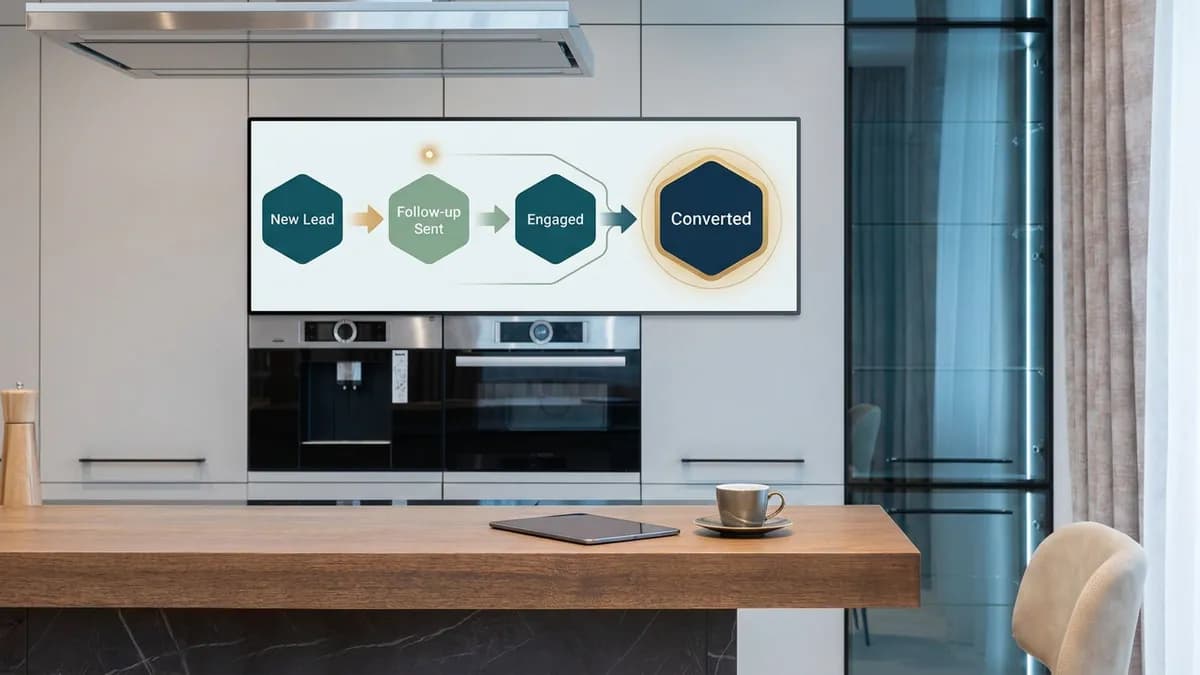
Automation shifts your work from one-off tasks to event-driven actions. A new inquiry, a sign-in sheet, or a price change can each start a chain of steps. Your CRM runs the messages. A scheduler runs the posts.
Even a basic setup keeps your brand visible every week. That consistency helps you stay on the radar of sellers and buyers who are not ready to move yet.
How Do I Automate New Lead Response in My CRM Without Sounding Robotic?
See it done with your own listing
Upload a few photos and let AI stage the room, cut the video, and voice it — start for $5, 500 studio credits, no subscription.
Use trigger-based templates that name the specific property the person viewed. Keep them short and plain. A good automated reply reads like a quick note typed on your phone.
Setting Up Your First-Touch CRM Auto-Responder
A first-touch reply should do two things. Confirm you got the inquiry, then ask one easy question. Send it as plain text, not a formatted newsletter.
For instance, ask whether they plan to see the home this weekend or are just browsing. That one question invites a reply, and a reply starts a real conversation.
Using Dynamic Email Tags to Keep Automated Outreach Personal
Dynamic tags pull in the first name, the street, and the listing they clicked. Use them to mention the exact neighborhood. The email then feels written for that person.
Test every template on yourself first. A broken tag that says "Hi [FirstName]" does more harm than no automation at all.
Timing Your Response: The Golden Window for Real Estate Lead Follow-Up
Speed matters. Leads who hear back quickly are more likely to answer than leads who wait a day. Set your CRM to reply the moment an inquiry arrives.
If you are in a showing, let a short video of the listing fill the gap. It keeps the prospect engaged until you can call. Every promotional email must also follow the FTC's CAN-SPAM requirements. That means a clear opt-out, your valid postal address, and honoring unsubscribe requests within 10 business days.
Can Real Estate Marketing Automation Help Me Convert More Seller Leads?
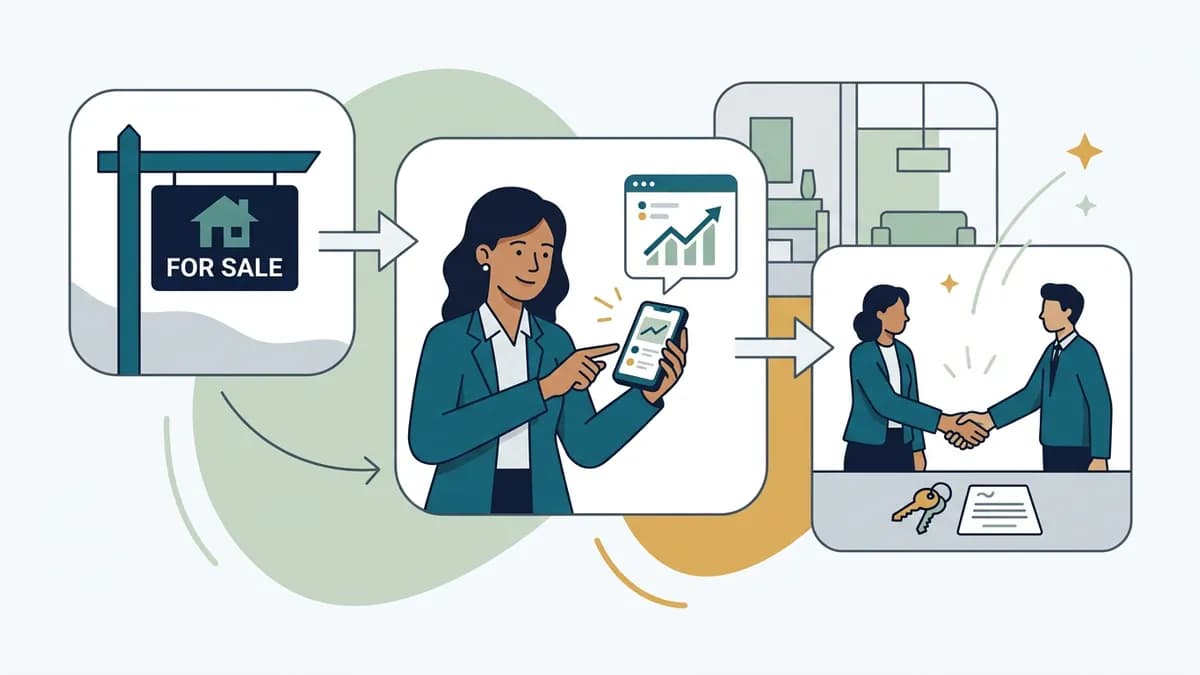
It can help, mainly by keeping you in front of homeowners until they decide to sell. Triggers handle the timing. You handle the conversation.
Delivering Instant, Automated Home Valuation Reports
Homeowners often check their property value long before they call an agent. A valuation form on your site captures them at that early stage. Once they enter an address, your CRM can email a preliminary range.
Follow up with a short, personal call. Only text people who agreed to receive messages. Texting rules for marketing are strict, so confirm consent requirements with your CRM provider or a lawyer.
Nurturing Past Clients With Automated Market Updates
Regular market updates keep you top-of-mind with past clients, who are often your next sellers. Skip the dense PDF. A short video that shows recent neighborhood sales is easier to watch.
Our real estate video editing guide walks through turning footage into a clean update. Showing homeowners what nearby homes look like inside builds more trust than a spreadsheet.
Using Behavior-Based Lead Scoring to Spot Active Sellers
Lead scoring gives points for actions. Opening an email, clicking a valuation link, or visiting your pricing page each adds to a contact's score. When the score passes a threshold you set, your CRM alerts you to call.
This keeps you from cold-calling people who are not interested. Your time goes to the contacts most likely to list.

How Do I Automate Listing Promotion and Branded Content on Social Media?
Create the video once, then schedule it across your networks from one place. This removes the daily scramble to post by hand.
Generating Listing Videos Automatically From MLS Data
Start with the listing facts and photos you already have. Many tools can import a listing page and drop the details onto video cards. Check that you have the right to use each photo before you import it.
A good video needs more than panning stills. Clear out clutter with a photo decluttering step. Show empty rooms furnished using virtual staging for real estate listings. Lift dim photos with a photo editor built for listings.
Then add narration. A voiceover for property videos saves you from recording audio yourself. If you need a starting point, try these property tour script templates.
Deploying Branded Templates Across Your Social Feeds
A brand kit stores your logo, colors, and font once. Every new video then starts with your look. Agents on a team can each keep their own kit while following the same style rules.
Consistency builds recognition. People start to spot your posts before they read the name.
Scheduling Multi-Platform Campaigns with One Click
A social calendar lets you drag posts to the date you want. ReelEstate publishes automatically to Facebook, Instagram, and LinkedIn, and it drafts a caption suited to each platform. Edit those captions with a local detail, such as a nearby cafe or a school the family would care about.
You can also share a review link so a broker or client can comment or approve before a post goes live. For format ideas, see this guide to vertical video for Reels and Stories.
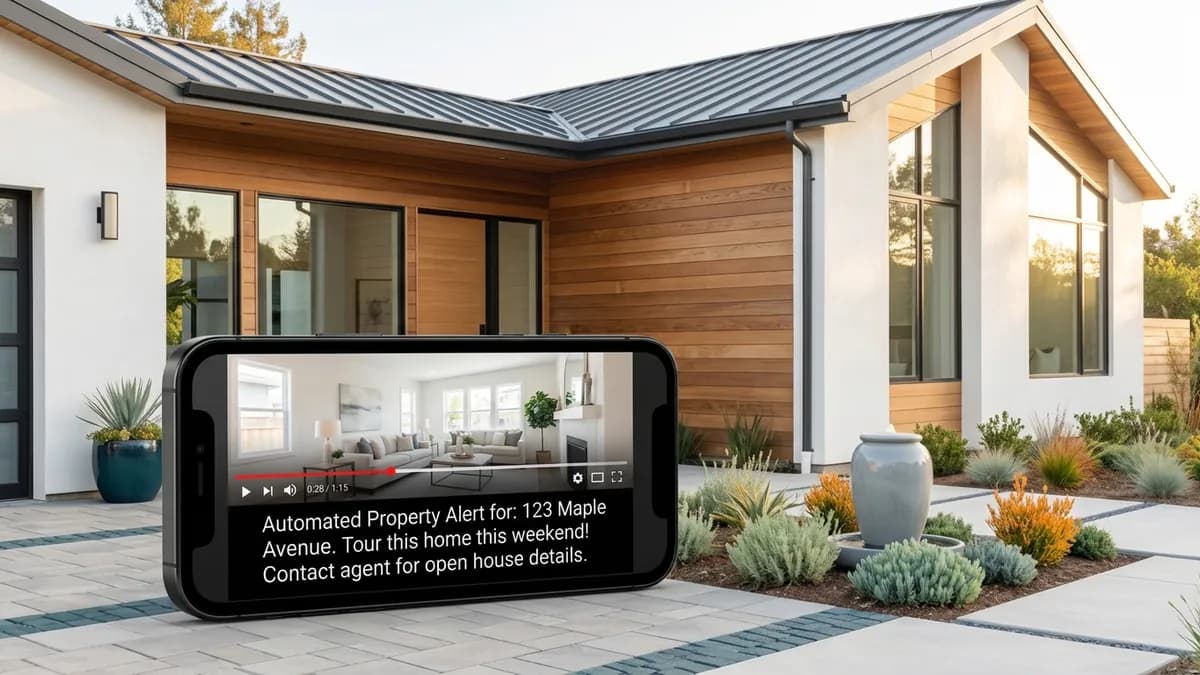
How Can I Automate Property Alerts and Open House Follow-Up?
Link your sign-in sheet and website search to your CRM. Then let visitor actions trigger the right message. Your email tool does the sending.
Setting Up Behavior-Driven New Listing Alerts
Connect your site's search tool to your database. When a visitor views a listing several times, the system can send an alert. Price cuts and new homes in their target area make good triggers.
Instead of a bare MLS link, attach a short walkthrough video. Buyers who see the inside are more likely to stay engaged. The listing video strategy guide explains which shots to include.
Structuring an Automated Post-Open-House Email Sequence
Send a thank-you note the same day. A few days later, send similar homes. Keep the sequence short so it does not feel like a drip campaign.
Lead with something useful, like a video of the home they just toured. Then watch replies rather than opens. Pick a handful of steps and refine them over time.
Segmenting Buyer Preferences Automatically Inside Your Database
Tag contacts by the neighborhoods and price ranges they browse. Then send updates that match. A buyer who looks at condos should not receive suburban farm listings.
Your CRM does the tagging. You supply the content that fits each segment.

What Features and Costs Should I Look for in Automation Software?
Match the tool to the job. A CRM handles contacts, email, and scoring. A content tool handles video, photos, and posting. Few products do both well, so plan to use two.
Must-Have Integrations and Customization Capabilities
For a CRM, look for easy contact import, trigger rules, and reporting. For content, look for listing import, branding, captions, and scheduling. Check whether each tool exports files you can use elsewhere.
Do not assume integrations exist. Ask each vendor for a current list. If your content tool has no direct link to your CRM, move the finished video or link into your email tool yourself.
Pricing Tiers: Solo Agent Budgets vs. Enterprise Brokerage Plans
Pricing varies widely by team size and features. Solo agents usually pay a flat monthly fee. Larger brokerages often pay per seat. Compare the full cost of each option against the hours it saves you.
Count what you would otherwise pay a freelancer, stager, or editor. That is the fairest benchmark. Check each vendor's own pricing page, since plans change often.
Spotting Hidden Fees and Implementation Costs
Watch for setup fees, extra charges for exports, and watermarks on free plans. Ask about onboarding and list imports. Also ask what happens to your data if you cancel.
Add up the total cost before you commit. A cheap plan that limits your exports can cost more in the long run. Remember licensing, too, since music for real estate videos needs the right permissions.

How Do I Measure Whether My Automated Follow-Up Campaigns Are Working?
Track replies and closed deals, not just opens. Opens show that a subject line worked. Replies show that the message started a conversation.
Key Metrics to Track: Open Rates vs. Reply Rates
High opens with no replies mean your message did not invite an answer. Flag every positive reply, such as a showing request. Ask direct, low-friction questions to earn more of them.
Also watch unsubscribes. A spike means a sequence is too frequent or off target.
Attributing Closed Transactions to Specific Automation Flows
Record which sequence or video prompted each client to re-engage. Ask new clients how they found you and log the answer in your CRM. Over time you will see which flows earn commissions.
For example, if a cold buyer restarts a search after a listing video, log that video as the trigger. Short clips with narration give buyers a reason to reply.
Auditing Your Automated Sequences for Continuous Improvement
Review each sequence every quarter. Look for the step where contacts drop off. Refresh old templates with new photos and video.
Compare video follow-ups with plain-text ones in your own results. Your numbers matter more than any industry average.
Ready to automate the content side of your marketing? join the waitlist and start building listing videos.
Frequently Asked Questions
How can real estate agents automate lead follow-up without sounding spammy?
Send messages only when a lead does something, such as viewing a listing more than once, instead of on a fixed drip schedule. Reference the specific home, keep the note short, and write it the way you would text a friend. A short walkthrough video of the property adds real value, so the message reads as helpful rather than pushy. Your CRM or email tool handles the triggers. Make sure each email follows the FTC's CAN-SPAM rules, including a clear opt-out.
What is the most efficient way to automate property listing promotion on social media?
Produce the video once, then schedule it to every network from a single calendar. A tool like ReelEstate imports a listing URL, builds a narrated and captioned video, and publishes it to Facebook, Instagram, and LinkedIn on the dates you set. Each platform gets its own caption. Plan a week or a month in one sitting so posts go out without you.
How do you maintain a personal touch when using real estate marketing automation?
Automate the repetitive parts and write the human parts yourself. Let software schedule posts and send triggered emails, but add a local tip, a neighborhood detail, or a quick personal line to each one. Use your own name, photo, and brand colors everywhere. Review anything before it goes out, and reply to every response personally.
Can marketing automation manage follow-ups for open house attendees?
Yes. A digital sign-in sheet can feed your CRM, which then sends a thank-you message and, a few days later, similar homes. Get clear consent before you text anyone, and include an opt-out in every email. You can attach a short video of the property you just showed so the follow-up stays fresh in the buyer's mind.
How can real estate brokerages automate branded content and social media posting?
Give every agent the same brand colors, logo, and font, then schedule posts from a shared plan. Add an approval step so a broker or marketing manager signs off before anything publishes. Automatic publishing then handles timing across each agent's connected accounts.