Video Maker for Real Estate: How to Choose the Right Tool for Your Listings
The best video maker for real estate is the one you will finish a video in, on every listing, without losing your evening. That sounds simple. But the market is crowded, and the tools work in very different ways.
This guide sorts them into four kinds, shows what to check before you pay, and gives you a short scoring table. It also tells you when a different kind of tool fits better.
What kinds of real estate video tools are there?
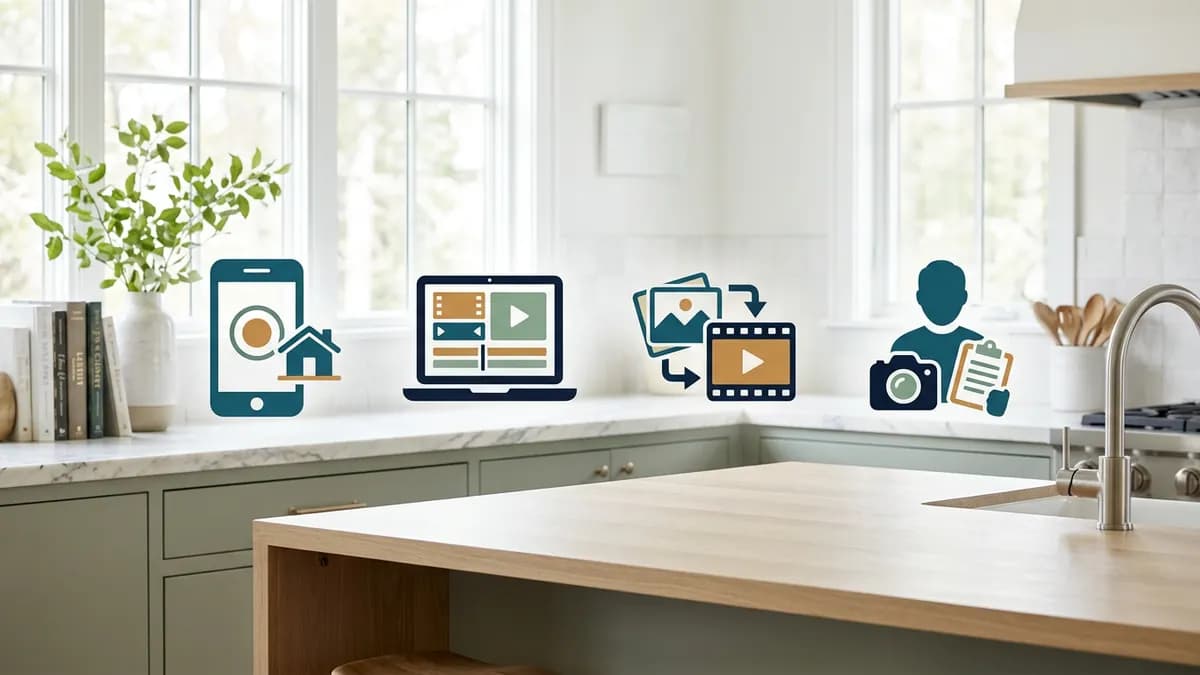
There are four main kinds. Each one trades time, cost and control in a different way. Knowing which kind you need saves more time than comparing feature lists.
1. Template and phone apps
These are simple apps. You drop in clips or photos, pick a template, and add text and music. They are quick to learn and often cheap or free to start. Most are general purpose, so you may need to build your own property facts, branding and pacing each time. They suit agents who film their own clips and want a fast social post.
2. Desktop video editors
These are full editing programs with a timeline, color tools and effects. They give you the most control. They also have the steepest learning curve. If you already know how to edit, or have an assistant who does, a desktop editor can produce excellent work. If you do not, the hours add up fast. Our real estate video editing guide covers the editing steps in detail.
3. All-in-one listing video makers
This kind starts from your listing photos, not from raw footage. You add your photos and facts, and the tool assembles the video, with narration, captions, music and branding in one place. Some also fix or stage photos first. This is the fastest route if you have no footage. It is a weaker fit if you want full manual control of every cut. For a closer look at how this works, read our guide to making real estate videos from photos.
4. Hire a videographer or editor
You can pay a person to shoot or edit for you. This gives you the highest ceiling for quality, and it takes the work off your plate. It also costs the most and takes the longest, since you wait on someone else's schedule. It suits high-end listings and agents who always have the budget.
Many agents mix kinds. They hire a pro for a luxury listing and use a maker for everything else.
What should you check before choosing a real estate video creator?
See it done with your own listing
Upload a few photos and let AI stage the room, cut the video, and voice it — start for $5, 500 studio credits, no subscription.
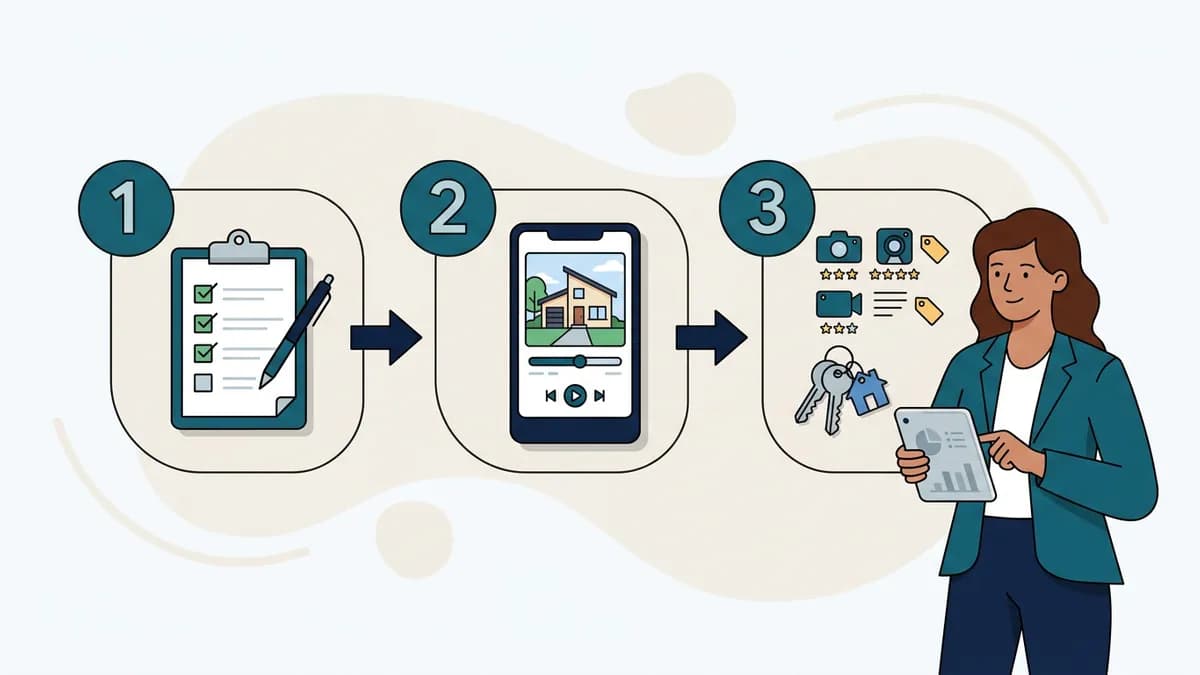
Use the same checklist for every option. A tool can look great in a demo and still fail on your third listing. Here is what to check.
Formats: vertical and horizontal
You need 9:16 for Reels, Shorts and TikTok. You need 16:9 for your website and many listing sites. Check that the tool exports both without awkward cropping. If your video will mostly live on social feeds, our guide to vertical video for realtors explains why the shape matters.
Voiceover
A narrated tour gives viewers the facts as they watch. Check whether the tool has voiceover built in, whether you can pick the voice and tone, and whether it supports the languages your buyers speak. If you would rather not record yourself, an AI voiceover for real estate can read your script. If you do record, make sure the tool lets you upload your own audio.
Music
Music sets the mood, but it is also a legal risk. Popular songs can get a video muted or removed. Ask where the music comes from and whether it is cleared for social media and listing sites. Our music guide for real estate videos goes deeper on picking tracks.
Captions
Many people watch with the sound off. Captions keep them watching and help viewers who are deaf or hard of hearing. Check whether captions are automatic, whether you can edit the text, and whether they are easy to read on a small screen.
Branding and logo
Your video should look like it came from you. Look for a saved logo, colors and font that apply to every new project. A tool that makes you set up branding from scratch each time will slow you down.
Export quality
Check the resolution and file type you get. Watch a test export on your phone, not just on your laptop. Soft, blurry or heavily compressed video undercuts the home you are selling.
Learning curve
Ask how long it takes to finish your first video. Then ask how long the tenth takes. A tool is worth it only if the tenth video is fast.
Price model
Tools charge in different ways. Some charge a monthly fee, some charge per video, and some use credits. Read the plan page for what you really get, such as limits on exports, length or watermarks. Compare cost per finished video, not just the headline price.
Who owns the output
Check that you can download the finished file, use it commercially and keep it if you cancel. This matters most for a brokerage that wants to reuse videos across channels.
MLS and portal rules
Listing sites and MLS systems often set their own limits on video length, file size and what branding or contact details are allowed. Check the rules for the sites you post to before you pick a format. They vary by market, so confirm them locally.
How do you score the options side by side?
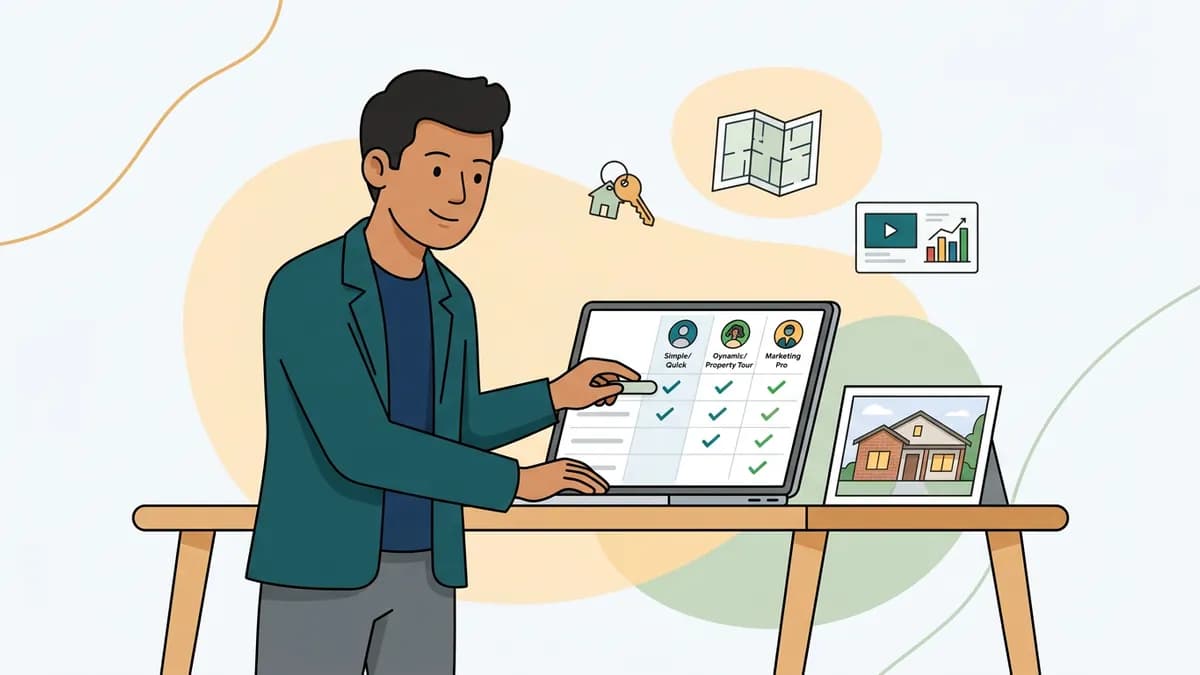
A short table beats a long feature list. Give each tool a score from 1 (poor) to 5 (strong) on each row. Add them up. The tool with the best score for your needs wins, even if it is not the one with the longest feature list.
| What to check | Why it matters | Score 1-5 |
|---|---|---|
| Exports both 9:16 and 16:9 | Social feeds and your website need different shapes | |
| Voiceover and language options | Narration saves you from recording yourself | |
| Licensed music | Avoids muted or removed videos | |
| Captions you can edit | Sound-off viewers keep watching | |
| Saved logo, colors and font | Every video looks like yours | |
| Export quality on a phone | Soft video hurts the listing | |
| Time to finish the tenth video | Speed on repeat use is what you pay for | |
| Clear price per finished video | No surprises at renewal | |
| You own and can download the output | You can reuse it everywhere | |
| Works with your MLS or portal limits | The file is accepted where you post |
Weight the rows that matter most to you. A solo agent may care most about speed. A brokerage may care most about branding and ownership. Test your top two tools on the same real listing before you decide.
Which kind of tool fits which agent?
The right pick depends on how you work and how many listings you handle.
The solo agent
You need speed above all. You probably have listing photos and little time. An all-in-one maker that starts from photos is usually the best fit. If you enjoy filming and have a steady hand, a phone app is a fine alternative. A desktop editor rarely makes sense unless you already know it.
The small team
You need a consistent look across several agents. Look for saved branding that each person can use, plus a simple way to review a video before it posts. A shared template or style helps, so the team does not look like five different brands.
The brokerage
You need volume, a unified brand and clear terms on who owns the output. Check how the tool handles many users and how easy it is to keep the same look on every video. Many brokerages combine a maker for day-to-day listings with a hired videographer for top-tier properties.
When another kind is the better choice
If your listing is a high-end estate, hire a videographer. Cinematic footage and drone shots are hard to fake. If you already shoot walkthroughs and edit well, a desktop editor keeps full control. An all-in-one maker is the best fit when you are short on time and start from photos. It is not the best fit for every case.
Where does ReelEstate fit?
ReelEstate is an all-in-one maker of the third kind. You paste a listing link or upload photos, and the tool pulls the property facts and photos into a project. It can stage empty rooms, enhance photos and remove clutter. It then adds a voiceover in your choice of voice, tone and language. Captions can be generated from the voiceover, and a saved brand kit applies your logo, colors and font to each new project. You can also add an original soundtrack, pick an outro card, and schedule the finished video to Facebook, Instagram and LinkedIn.
It is not a desktop editor, and it is not a replacement for a videographer on a luxury listing. It is built for the agent who has photos, a short timeline and a lot of listings.
Is a free real estate video maker good enough?
Sometimes. A real estate video maker free to try is a good way to test a workflow. Free plans often add a watermark, cap the number of exports, lower the quality or lock features such as voiceover and branding. That is fine for a test. It is less fine for a client's listing.
Before you post, ask three questions. Can I export without a watermark? Can I add my own logo? Can I download the finished file? If the answer to any of them is no, the free version is a demo, not a working tool.
Paid plans earn their cost when they save you hours each week. Do the math on time, not only on price. If a tool saves you two hours per listing, the monthly fee may be small next to the cost of your own time.
What mistakes should you avoid when choosing a real estate video software?
- Picking on the demo. A demo uses the best photos and footage. Test with a real listing, including a dim, cluttered one.
- Ignoring the tenth video. The first video is always slow. Judge the tool by how fast the tenth one goes.
- Skipping the phone check. Most viewers watch on a phone. If it looks soft or the text is tiny there, it fails.
- Forgetting music rights. Unlicensed tracks can get your video muted or removed.
- Overpaying for features you will not use. Match the tool to your actual workflow, not to the longest feature list.
- Not reading the ownership terms. Make sure you can keep and reuse your videos.
- Buying before you have a plan. Know where the video will run and why. Our listing video marketing guide helps you plan that first.
How do you start?
Pick two options from different kinds. Run both on the same listing. Score each one with the table above, and watch both exports on your phone. The winner is usually clear within a day.
If your next listing starts from photos, and you want one place for staging, narration, captions and branding, checkout ReelEstate.
Frequently Asked Questions
What is the best video maker for real estate?
There is no single best tool. The best video maker for real estate is the one that fits how you work. Agents who have only photos usually do best with an all-in-one maker. Agents who film their own walkthroughs may prefer a phone app or a desktop editor. Agents with a big budget and a high-end listing may hire a videographer. Score two or three options against the same checklist, then test them on a real listing.
Is there a free real estate video maker?
Yes, free tools exist, but they usually come with limits. Common trade-offs are a watermark, fewer export options, lower video quality or locked features such as voiceover and branding. A free tool is fine for testing the workflow. Before you post a client's listing, check that the free version lets you export without a watermark and use your own logo.
Can I make a real estate video on my phone?
Yes. Film in vertical, keep your shots steady, and move slowly from room to room. Then use a phone app or a web-based maker to trim clips, add music and add captions. If you have only listing photos, some makers can build a video from them without any filming.
What is the best real estate video editing app?
It depends on your footage. If you film clips yourself, look for an app with easy trimming, captions and a saved logo. If you start from photos, look for a maker that builds the video for you. Whichever you choose, test the export on a real listing and watch it on a phone before you commit.
Do I still need a videographer if I use a video maker?
Not for every listing. A video maker can cover standard homes, quick updates and social posts. A videographer is still a good fit for luxury listings, large estates or any home where cinematic footage and drone shots will set it apart. Many agents use both, depending on the price point.
Who owns the videos I create with a video maker?
It depends on the tool, so read the terms before you sign up. Check that you can use the finished video commercially, that you can download it, and that any music in it is licensed for use on social media and listing sites. Also check what happens to your projects if you cancel.